As part of the Kings College London course, I worked in a team to problem solve the UI and UX of Sky Glass: using and improving the UX of voice control, of content navigation and playback.
Firstly, to better understand voice control and users, we researched the market and its competitors.


Sky made it clear that they wanted better reach into those with accessibility needs. Sky has a dedicated community forum to those users and we researched this forum for insights, too. We also asked our peers as to how they used voice control, their TV, streaming services. What issues did they have?

There were several pain points, but to focus on 1, we decided to see how the subtitle experience could be better improved within the TV experience and using voice control: without any/too much reliance on a remote control.
At this point, a research plan was created and actioned to understand in more detail issues with subtitles and voice control.
Feedback ranged from:
“I use voice control when my hands are occupied, e.g., during cooking or moving around the house, by settings timers/adding to lists.”
to
“Mixing both the remote with voice control is frustrating, especially if the remote buttons are small or too sensitive.”
We developed an empathy map, based from Sky's user personas and our research with real people.
And a storyboard added to the understanding of the emotional responses to the environment.
From the key takeaway, we developed HMW questions to further explore via ideation.
With these set, we ideated to answer each HMW question.
This resulted in a defined problem statement:
Users who consistently rely on subtitles - whether due to hearing loss, sensory sensitivity, or language needs - are often frustrated that subtitles don’t stay enabled across apps or sessions. When voice commands like “turn on subtitles’” are misinterpreted or unrecognised, this forces them to navigate complex menus to activate a core accessibility feature.
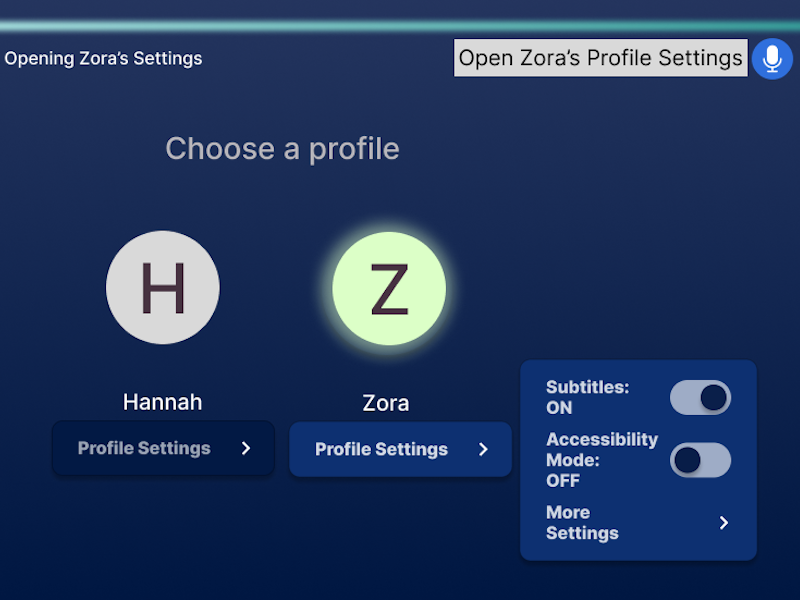
We created a mid-fi prototype to test with our research subjects further, using Figma. The mid-fi focused on data privacy and security, less reliance on a remote control to assist a poor voice control experience and options within voice control.
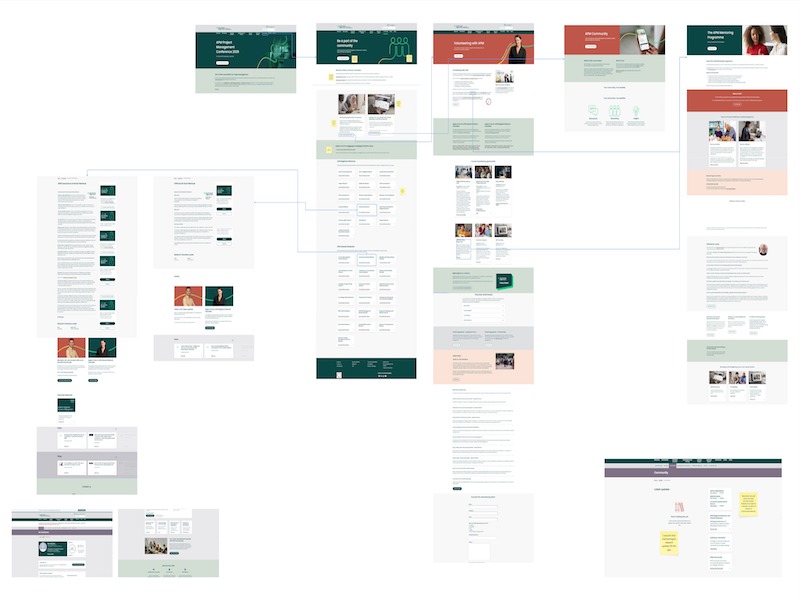
Our empathy map, wireframes for our prototype and user flow diagrams are here.
See the mid-fi prototype here: https://www.figma.com/proto/ZZtLXLYw1d0BMybjS0XuB1/Team-4---Employer-Project---User-Flow--Empathy-Map-and-Wireframes?node-id=328-166&t=6iryYD50l0ClMkUw-1
Our design iterations from user feedback of our prototype and overal conclusions, as well as our other design process assets are within the presentation below.

.png)


.png)